Labs that get built. Skills that get taught.
We set up digital twin and AR/VR labs for institutions, then run the training, workshops, and seminars that turn them into working capability — for students, faculty, and industry teams alike.
We don't just build a lab.
We build capability on your campus.
Most vendors install equipment and leave. We stay for the whole journey — from the lab we build, through the skills we teach, to the projects, publications, patents, and placements that follow. One closed loop, and it compounds with every batch.
We build the lab
A digital twin or AR/VR lab, installed and configured on your campus.
We build the lab
A digital twin or AR/VR lab, installed and configured on your campus — instrumented rigs, software, dashboards, ready to run from day one.
- Instrumented rigs
- Software + dashboards
We run courses & workshops
Semester courses, training, and hands-on workshops bring students and faculty up to speed — from first principles to building their own.
- Semester courses
- Hands-on workshops
We guide real projects
Students build project work on the lab's own facilities, mentored by us — turning equipment into genuine engineering output.
- Mentored projects
- In-house lab
We drive publications & patents
We push strong work toward papers, journals, and patent filings — outcomes that lift the student, the guide, and the institute.
- Papers & journals
- Patent filings
We assist internship & placement
Students carry demonstrable skills and published work into internships and jobs, connected to real industry opportunities.
- Internships
- Placement support
The loop closes
Stronger students, richer projects, and a growing body of published work feed back into the next cohort. Capability compounds.
- Next cohort
- Compounding value
The result: your institute doesn't just own equipment — it builds a self-reinforcing engine for skills, research output, and student outcomes.
Bring Lab-to-Launch to your campusLab Setup
Complete, installed, ready-to-run labs — hardware, software, and everything in between.
Digital Twin lab setup
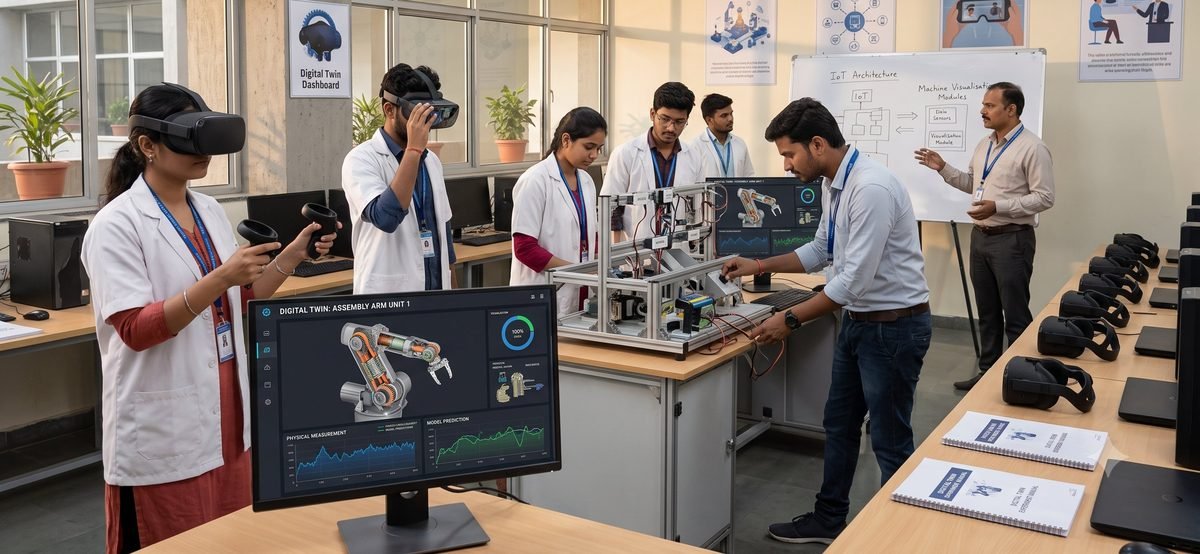
A complete digital twin laboratory, built end to end. Physical rigs are instrumented with sensors and wired to live simulation models, so students can change a real parameter and watch the model's prediction move alongside the measurement.
We handle the whole setup — hardware, instrumentation, software, dashboards, and the lab material to run experiments from day one.
- Instrumented physical rigs
- IoT sensors & DAQ
- Live simulation models
- Real-time dashboards
- Experiment manuals
- Faculty onboarding
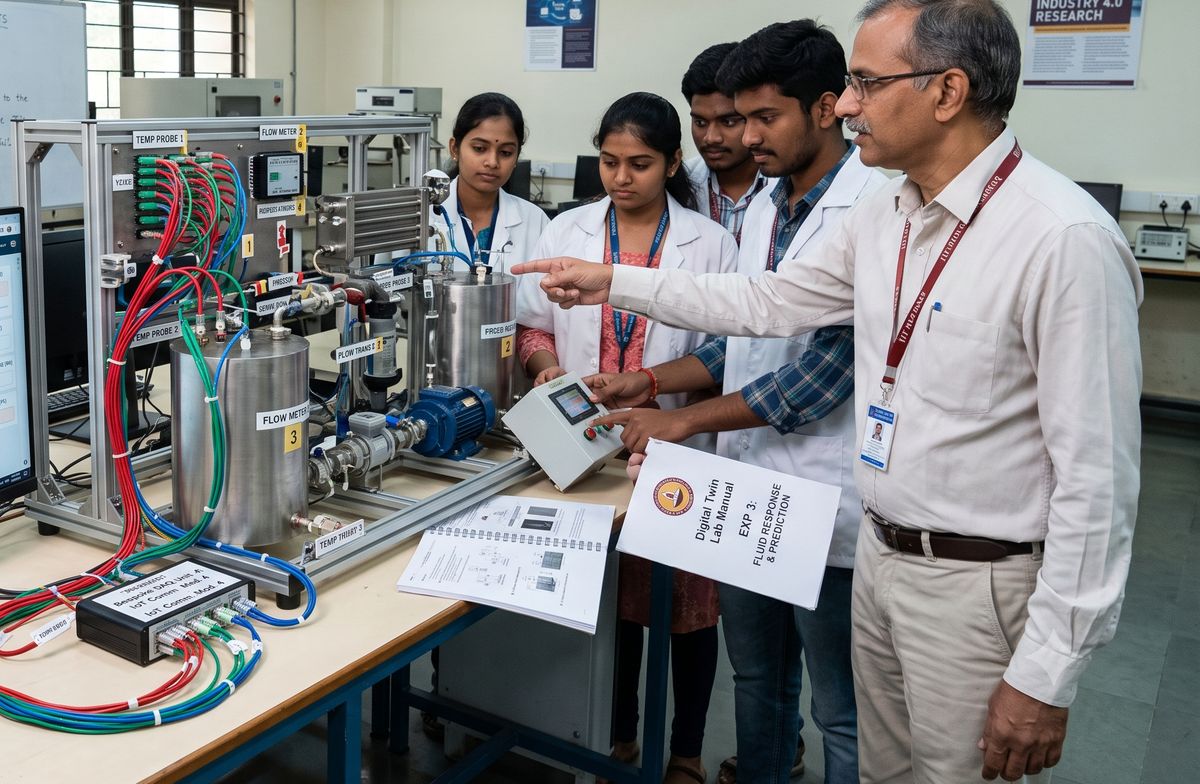 Digital Twin Lab
AR / VR lab setup
A fully equipped immersive lab. We supply and configure the headsets, build the content, and create machine-visualisation modules that let students step inside equipment — see cutaway views, follow disassembly sequences, and run scenarios a physical lab can't safely stage.
Everything is set up and ready: hardware, software, content library, and the training to use it.
- VR / AR headsets
- Workstation setup
- Custom content modules
- Machine visualisation
- Guided procedures
- Faculty onboarding
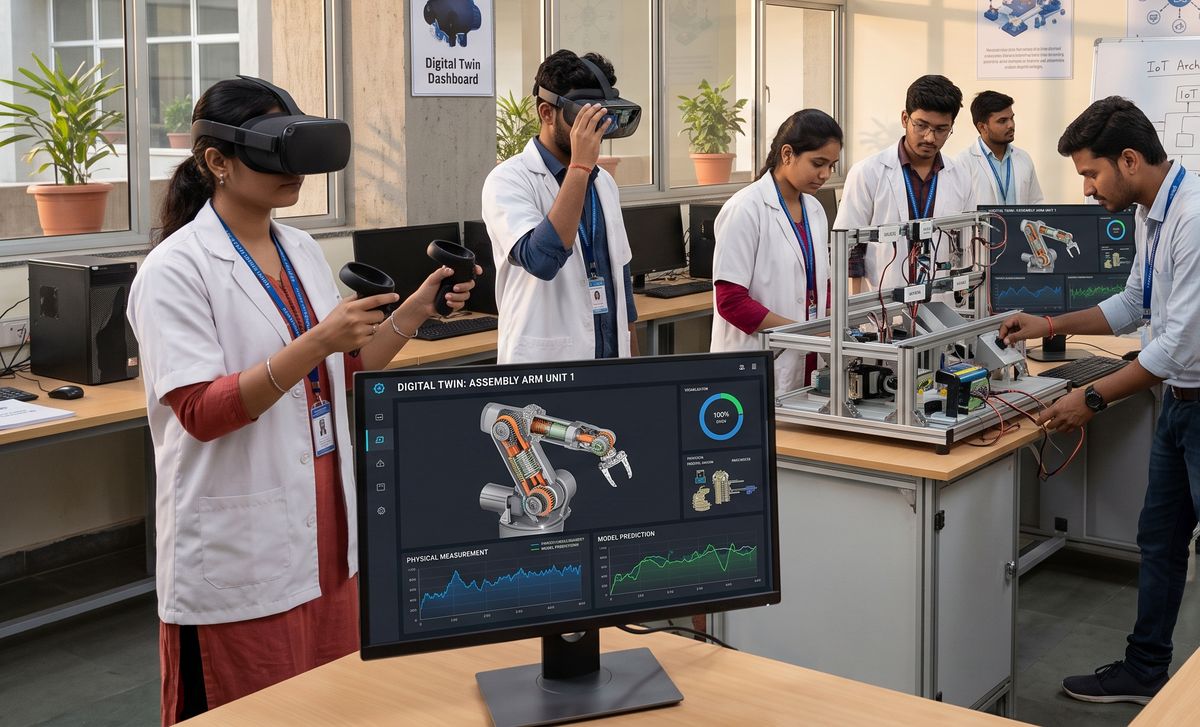 AR / VR Lab
Training & Programs
Turning tools into skills — for students, faculty, and industry professionals.
Training
Structured, hands-on training on digital twin and AR/VR tools — from first principles to building your own. Programs are tailored to the audience: foundational for students, train-the-trainer for faculty, and application-focused for industry teams.
Delivered as multi-session courses so skills actually stick, not one-off demos.
- Multi-session format
- Hands-on exercises
- Level: basic to advanced
- Train-the-trainer track
- Course material included
- Completion certificates
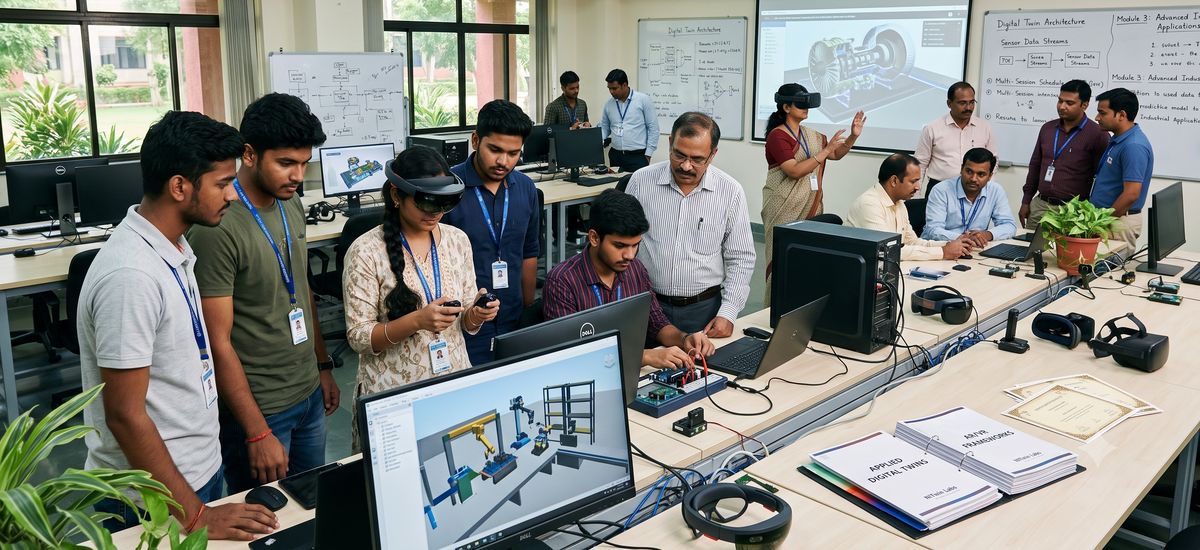 Training Program
Workshops
Short, intensive, hands-on sessions on a focused topic — a single day or a few days, built to give participants something concrete they can do by the end. Run at your campus, an industry site, or ours.
Ideal for a specific batch, a department, or an event where you want people building, not just listening.
- 1–3 day format
- Focused, practical scope
- On-site or hosted
- Batch or department size
- Take-home project
- All materials provided
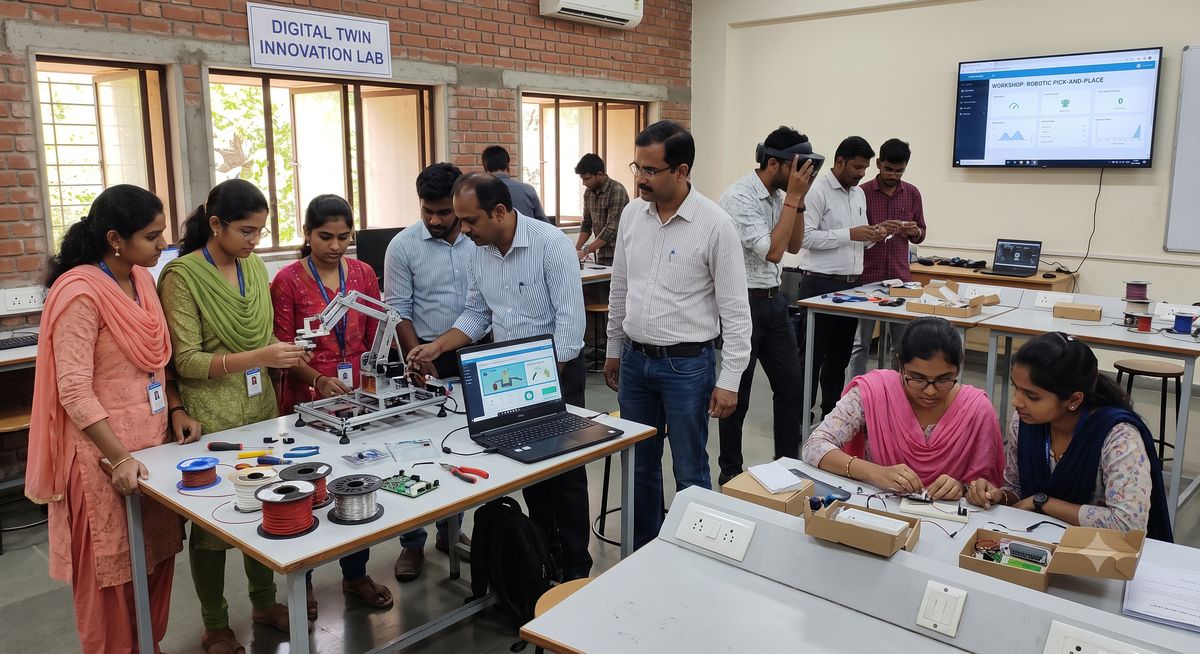 Workshop
Seminars & case studies
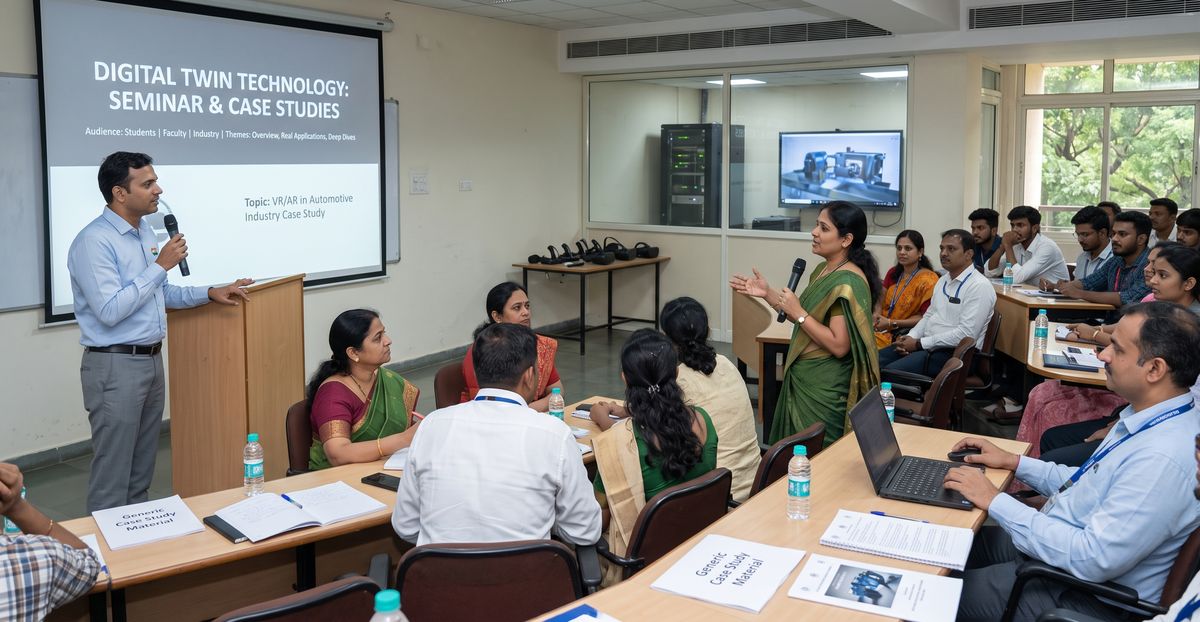
Talks and sessions on AR, VR, and digital twin technology — what they are, where they're genuinely used across industry, and real case studies of the value they deliver. Grounded in active research and real projects rather than hype.
A strong fit for tech fests, faculty development programs, industry meets, and departmental seminar series.
- Technology overview
- Real industry applications
- Case-study deep dives
- For events & FDPs
- Q&A + discussion
- Slides shared after
 Seminar
Semester Courses
Full-semester, credit-style courses colleges can run across the academic year.
Unity Programming
A hands-on, build-first course in the Unity engine and C# scripting. Students move from the editor and core language up to physics, UI, animation, and a complete deployable game — the foundation every AR/VR developer needs.
- Unity editor & C#
- Physics & interaction
- UI, audio, animation
- 2 mini-projects
- Build & deploy
- Capstone game
View full syllabus
Unit 1 — Foundations
- Unity editor: Scene, Hierarchy, Inspector, Project, Console
- GameObjects, Components, Prefabs
- Transforms, coordinate systems, parenting
- Assets, importing models/textures, Package Manager
- First scene: primitives, materials, lighting
Unit 2 — C# Scripting Core
- C# syntax: variables, types, methods, classes
- MonoBehaviour lifecycle: Awake, Start, Update, FixedUpdate
- GetComponent, public vs SerializeField
- Input System: keyboard, mouse, touch
- Vectors, movement, rotation, Time.deltaTime
Unit 3 — Physics & Interaction
- Rigidbodies, colliders, triggers
- Forces, gravity, drag, raycasting
- Collision detection and response
- Mechanics project (roll-a-ball / pickup game)
Unit 4 — Game Systems
- UI: Canvas, buttons, text, sliders, score/health
- Scene management and transitions
- Audio: sources, listeners, triggers
- Animation: Animator, states, transitions
- ScriptableObjects for data-driven design
Unit 5 — Intermediate Topics
- Coroutines and asynchronous behaviour
- Object pooling and performance basics
- Particle systems and visual effects
- Save/load with PlayerPrefs and JSON
- Debugging and the Profiler
Unit 6 — Capstone
- Design and build a small complete game
- Playtesting, iteration, polish
- Build & deploy (PC / WebGL / Android)
- Presentation and code review
Assessment: 2 mini-projects (30%) · continuous labs (30%) · capstone (40%)
 Unity Programming · Odd Sem
AR / VR Developer
An applied course in immersive development. Students build real VR and AR applications with Unity's XR toolkits — locomotion, hand interaction, plane detection, image tracking — and finish with an engineering-focused capstone such as a machine-safety or product-visualisation module.
- XR fundamentals
- VR interaction & locomotion
- AR Foundation (ARCore/ARKit)
- Spatial UX & optimisation
- Industrial XR use cases
- AR/VR capstone
View full syllabus
Unit 1 — XR Fundamentals
- AR vs VR vs MR: concepts and use cases
- XR hardware: headsets, tracking, controllers
- Human factors: comfort, motion sickness, safety
- Unity XR: Plugin Management, XR Interaction Toolkit
Unit 2 — VR Development Core
- VR project setup (OpenXR / device SDK)
- Camera rig, tracked controllers, hand presence
- Locomotion: teleport, continuous, snap-turn
- Grab, throw, object interaction (XR Grab Interactable)
- UI in VR: world-space canvases, ray/poke
- Build & deploy to headset (Quest / standalone)
Unit 3 — Augmented Reality
- AR Foundation setup (ARCore / ARKit)
- Plane detection, anchors, raycasting
- Placing and scaling virtual objects
- Image tracking and marker-based AR
- Face/body tracking overview
- Mobile AR build and testing
Unit 4 — Interaction & Experience Design
- Spatial UX principles and affordances
- Haptics, spatial audio, feedback
- Performance optimisation for mobile/standalone XR
- Reducing latency, draw calls, asset optimisation
Unit 5 — Applied XR
- Engineering use cases: training sims, machine safety, digital twins
- Importing CAD / 3D models into XR
- Multiplayer / shared XR overview
- Data & interactivity (linking to sensors / live data)
Unit 6 — Capstone
- Build a complete AR or VR application
- User testing and iteration
- Optimisation and final build
- Demo day and evaluation
Assessment: VR project (25%) · AR project (25%) · labs (20%) · capstone (30%)
AR / VR Developer · Even Sem
Set up a lab, or book a program.
Tell us what your institute needs — a full lab, a training course, a workshop, or a seminar — and we'll put together a plan that fits your goals and budget.
Get in touch